Corporate & Boardroom · 6 min read
Upgrading a boardroom around real communication
The best boardroom technology recedes into the meeting: voices are clear, content is visible and common tasks do not require a technician.
Observe the meeting before redesigning the room
A boardroom upgrade should begin with the actual meeting patterns: in-room discussion, remote participation, presentations, working sessions and leadership broadcasts. Each mode places different demands on microphones, cameras, displays and control.
Speaking with frequent users and support staff often reveals friction that an equipment audit alone cannot show.
- How participants join and share content
- Where people sit, stand and present
- Which meetings need recording or broadcast support
- What staff can troubleshoot without escalation
Build around intelligibility and equity
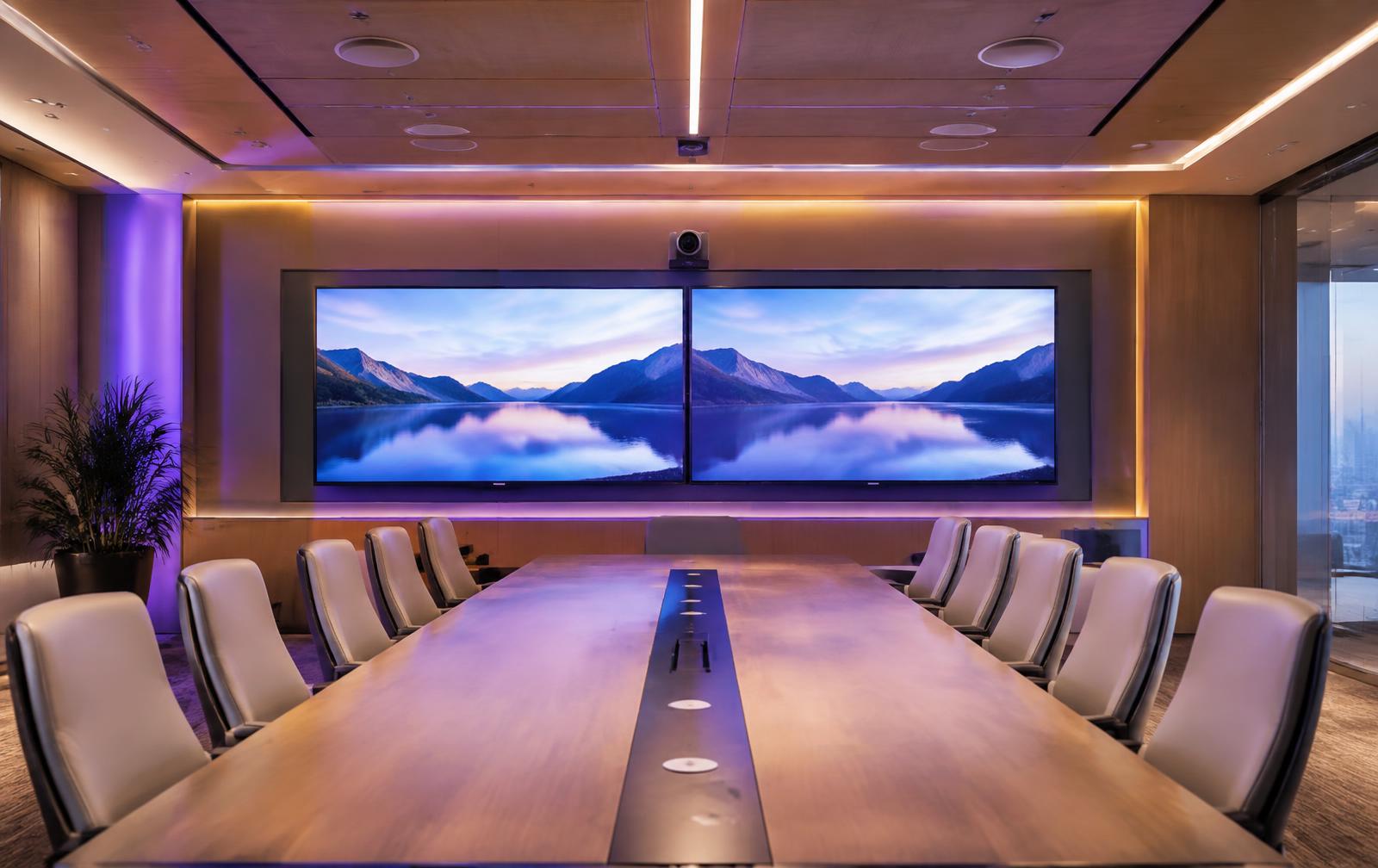
Remote participants need to hear and see the room without working harder than people at the table. Microphone coverage, loudspeaker placement, camera framing, lighting and display sightlines should be evaluated as one experience.
The goal is not simply to add more devices. It is to give every participant a clear path into the conversation.
- Consistent voice pickup across seating positions
- Camera views that support natural conversation
- Displays sized and positioned for the farthest viewer
- Room lighting that supports both faces and displayed content
Make the common path obvious
A system may support many advanced functions while still presenting a simple daily interface. Start, join, present and end should be clear actions with predictable results.
Role-based training and concise guidance reduce the need for improvised workarounds. More complex controls can remain available to technical staff without crowding the everyday workflow.
Coordinate the invisible infrastructure
Boardroom reliability depends on pathways, network readiness, power, ventilation and service access as much as it depends on visible screens and microphones. These details are easiest to solve before furniture, finishes and schedules are locked.
A phased upgrade can preserve useful infrastructure while addressing the parts of the experience that create the greatest operational friction first.